Use Baiyar or integrate with payment providers directly?
Compare the integration work, checkout options, and payment notifications before choosing how your business will accept payments.
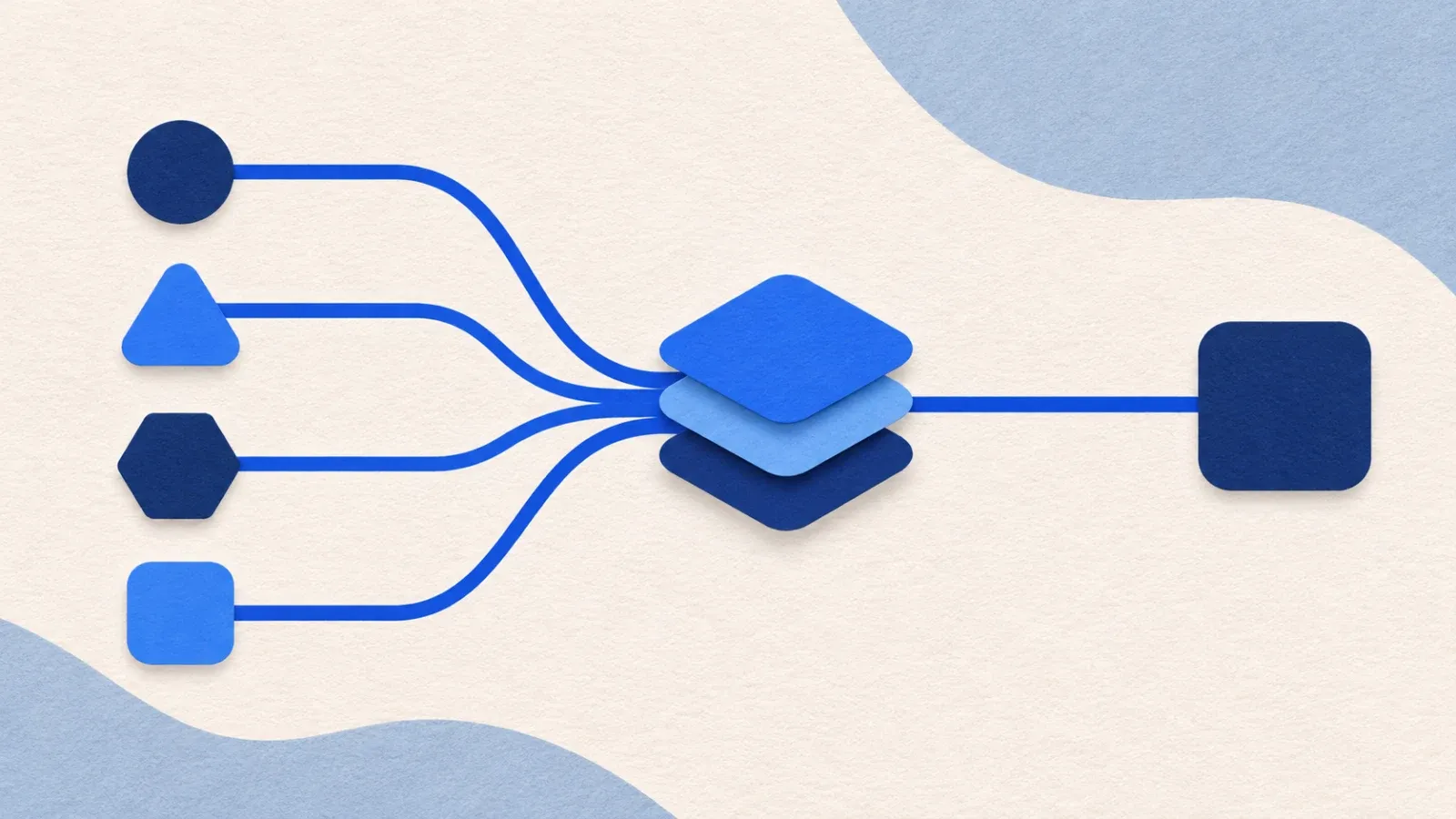
When a business connects to each payment provider directly, its team maintains each connection and its rules. With a payment aggregator such as Baiyar, the merchant uses one integration layer to access the supported methods.
That choice affects engineering work, checkout options, and how your system receives transaction updates. Choose based on the methods you need and your team’s capacity to maintain integrations.
Direct integrations give you provider-level control
With a direct integration, the merchant’s server sends requests to a provider’s API. Your team stores the credentials, follows the request and response formats, handles webhooks, and maps each status to an order in your own system.
Each provider can have different rules and formats. If you add another provider, your team needs to test the new connection, update status mapping, and make sure retries do not create duplicate transactions. In return, your team works directly with the features and settings offered by that provider.
Baiyar provides one integration layer
Baiyar acts as a payment aggregator: merchants send requests through the Baiyar API and use the payment methods available to their project and account. Baiyar offers two paths:
- Payment Links open a checkout page hosted by Baiyar. The customer chooses an available method there.
- Direct Payments create a transaction for one method, such as QRIS or a virtual account. The merchant’s system displays the QR code or virtual account number in its own app.
Both paths use Baiyar’s Payment API. Merchants can use webhooks to receive status changes or retrieve the status through the API. Live methods still depend on account eligibility, project settings, and provider requirements. Creating a Baiyar account does not automatically enable every method.
Read how Payment Links and Direct Payments work.
Compare who owns each task
API connection
Direct integration: the merchant builds and maintains a connection for each provider. Through Baiyar: the merchant uses Baiyar’s API for methods available to its account.
Checkout
Direct integration: the merchant chooses the provider’s checkout flow or builds its own. Through Baiyar: the merchant can use a Payment Link or show Direct Payment instructions in its app.
Transaction status
Direct integration: the merchant’s system handles each provider’s formats and notifications. Through Baiyar: the merchant reads Baiyar statuses and webhooks. Webhook signatures still need verification.
Provider-specific features
Direct integration: direct access to the provider’s available settings. Through Baiyar: only features and methods supported through Baiyar and enabled for the account.
Technical maintenance
Direct integration: the merchant’s team maintains each integration. Through Baiyar: the merchant’s team maintains its Baiyar integration; the Baiyar layer handles provider connections.
With either model, the merchant’s system still needs to match payments to orders. For webhooks, verify the signature, store the IDs of events already processed, and handle retries safely. Follow the Baiyar webhook guide.
When does a direct integration fit?
Consider a direct connection if one provider already meets your needs, or your system depends on a provider-specific feature that an aggregator does not expose. This model gives your team direct control, and your team also owns changes to each API and integration.
When does Baiyar fit?
Consider Baiyar if your team wants one merchant-facing API for supported methods, wants to use hosted checkout, or needs to display payment instructions in its own app without building provider connections one by one.
Before deciding, check the methods enabled for your account, the checkout flow you want, the status and webhook documentation, the applicable fees, and merchant requirements. Compare the same information for each option. Then choose based on your operating needs and your team’s capacity, rather than the number of payment logos.