A customer opened your payment link. When can you fulfil the order?
Opening a link, choosing a payment method, and completing a payment are different steps. Check the transaction status before fulfilling the order.
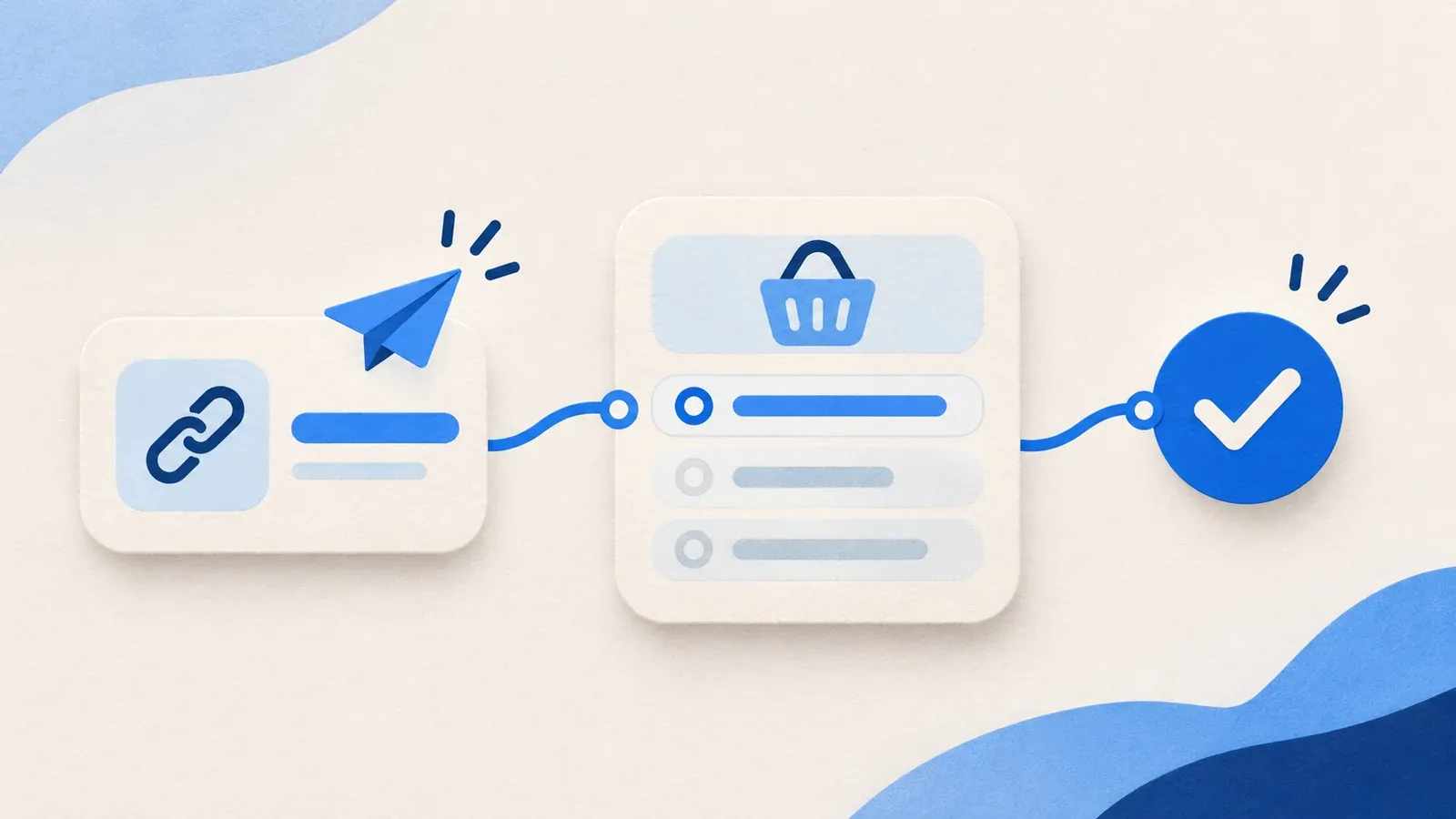
A customer has opened the link you sent. They may have seen the amount, entered their details, or chosen a payment method. They may not have completed the payment.
A Baiyar payment link takes the customer to checkout. Its payment result is recorded as a transaction. Before packing an order or activating a service, check the transaction status, not whether someone visited the link.
Set up the link before sharing it
When creating a payment link, choose the project that will receive the payment. Give the link a title the customer will recognize, then set a fixed amount or a range the customer can enter. Check the methods enabled for the project, the link expiry, and the customer details you need to collect.
Decide whether the link is for one payment or can be reused. A single-use link works for an individual order. A reusable link can accept payments from more than one customer within the limits you set. A link cannot be edited after creation; if a setting is wrong, create a new version with Duplicate.
An open link is not a paid transaction
The customer opens the link and sees a summary at checkout. They can enter the details you requested and choose an available payment method. At this point, checkout only shows their choices.
When the customer continues, Baiyar records the payment and shows instructions for the chosen method. They may need to scan a QR code or complete a bank transfer. Until the result arrives, the transaction is still awaiting payment. If the customer goes back and chooses another method, the earlier attempt remains in the transaction history.

Check the status in Payments
Open Payments in the Baiyar dashboard. Find the payment linked to the order, then match its reference and amount. Awaiting payment means the customer has not completed it. Fulfil the order when the transaction shows Paid.
Do not rely on a screenshot from the customer or the page displayed after checkout as your only evidence. A customer can return to your site before the payment result reaches Baiyar, and a chat message does not update the transaction status.
If your store uses the API, handle the payment.succeeded webhook as the notification of a successful payment. Verify its signature and record the event IDs you have processed. Baiyar can retry a failed delivery, so one payment must not fulfil an order twice.
A link and its payments have different statuses
A single-use link is completed after one successful payment. A reusable link can accept another payment according to its settings; each payment has its own transaction to check.
Cancelling a link stops new payments through it. A payment already started through that link can still complete. If you cancel a link for an order, check for an in-progress transaction before sending a replacement bill.
For a bill that needs item details, tax, and a due date, use an invoice. Issuing an invoice creates a single-use payment link with the amount set to the invoice total.
Before shipping goods or activating a service, match the reference, amount, and Paid status on the right transaction. See the Baiyar payment link guide for setup steps.